
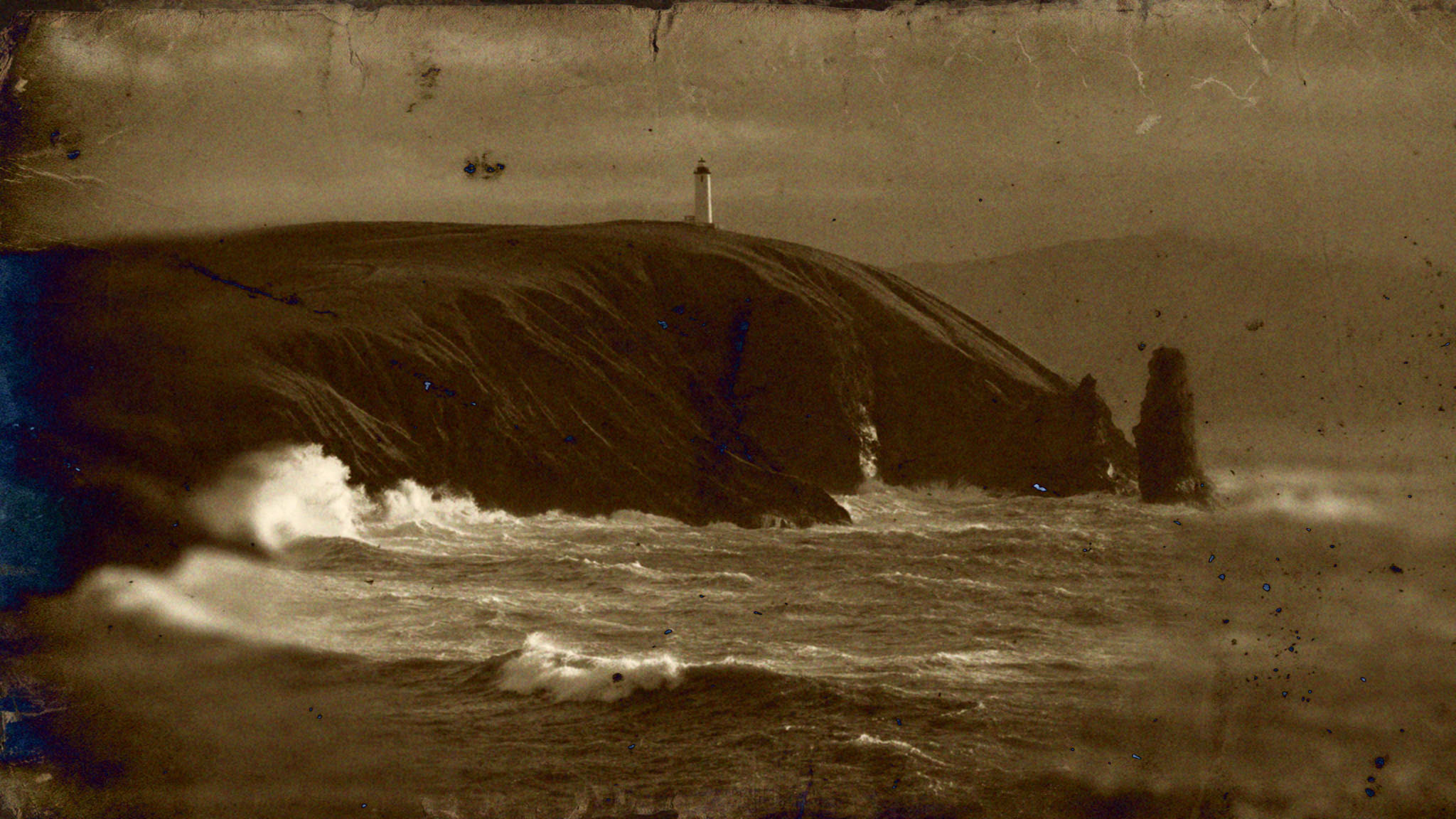
Real photographs, effects on and off.
Step through the examples and switch the effects on and off. Each caption lists the effects used.







































Three steps, nothing destructive.
- ChooseOpen the Halobloom panel in Photoshop and tick the effects you want, or start from a preset.
- AdjustDrag the sliders and watch the preview follow. Stack effects and tune each one.
- ApplyThe result lands on a duplicated layer, so your original photo stays exactly as it was.
All effects, one panel, no subscription.
€25+ VAT
Launch price €25 + VAT until 15 December 2026, then €35 + VAT
Photoshop CC 2022 or newer, macOS and Windows
Creative Cloud will say this plugin isn’t verified by Adobe. That’s normal for plugins installed outside the Adobe Marketplace. By downloading you accept the licence agreement; see also the privacy notice.
SHA-256 of Halobloom.ccx: CHECKSUM
Free to download and try, with no time limit
Results carry a watermark until you add a licence
One-time purchase, free updates for this version
One key works on up to three computers
Questions, answered.
- PhotoshopPhotoshop CC 2022 (version 23) or newer.
- SystemmacOS or Windows.
- InstallDouble-click the downloaded .ccx file and the Creative Cloud desktop app installs it. Then open Halobloom from Photoshop’s Plugins menu.
- InternetNeeded once, to download Halobloom’s working files (the AI depth model and the texture library) and to activate a licence. After that it works offline.
Is there a free version?
Yes. You can download Halobloom and use every effect with no time limit. Without a licence, Apply adds a “HALOBLOOM - DEMO” watermark pattern to the result, while the preview in the panel stays clean. A licence key removes the watermark.
What does one licence cover?
It is a one-time purchase with free updates for the version you buy. One key activates Halobloom on up to three computers, for personal and commercial work, and you own everything you create with it.
Are my photos uploaded anywhere?
No. Halobloom runs on your computer inside Photoshop, including the AI depth model, and your photos never leave it. The plugin contacts gethalobloom.com only to check for updates, download its working files and activate your licence.
Do I need to be online?
Only for the first setup. With a licence, Halobloom quietly re-checks about once a month and keeps working offline for up to 60 days in between.
I got a new computer. What now?
Email support and we will free up a computer slot on your key.
Do updates cost extra?
Updates for the version you buy are free. A future major version, if there is one, may be sold as a separate product.
What if I want a refund?
Halobloom is delivered instantly as a download, so there are no refunds for change of mind once you have downloaded it, and the free download lets you try it first. If it does not work as described on a supported system and we cannot fix it, or you were charged in error, you get a refund. Email support@gethalobloom.com with your order details.
Need help or found a bug?
Send a note and it goes straight to the inbox, no ticket queue in between.